

So here we are fans of Linux! But are we up to the bar? To get our hands a little dirty and maybe do what a surgeon does 😛 Well if that disgusts you then I didn’t mean cutting up your favorite distro and operating on it. I meant a minor thing like stitches and tending to some easy commands.
Who benefits it?
Everyone on Linux and to the most who is curious what Linux has to offer. Let’s begin our lesson with the program called the terminal emulator.
1. Command Line Interface
Did you know that most of the GUI programs actually execute the CLI commands behind the scene? For instance, the file manager you’ve been using to perform an operation (move, rename, delete, etc) on a file or group of files by right-clicking and then selecting the required option (let’s say) rename but the actual command executed is – mv old-file new-file So next time you wish to show off your mastery skill to your peers without the file manager program, it’s time to launch the terminal program and get accustomed to the basic commands.

2. Installing & updating programs on CLI
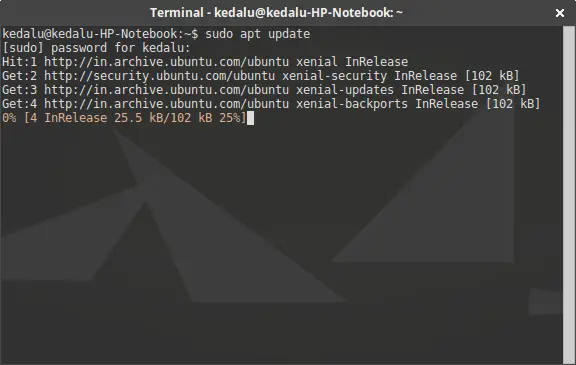
You might’ve been installing & updating programs using a software manager. Now it’s time to actually do the same task on the terminal program. Click here on how-to for Debian and Debian based OS. You should refer to your respective distribution for the same.
Also Read – 10 Basic Linux Commands That Every Linux Newbie Should Know
3. Anti-virus
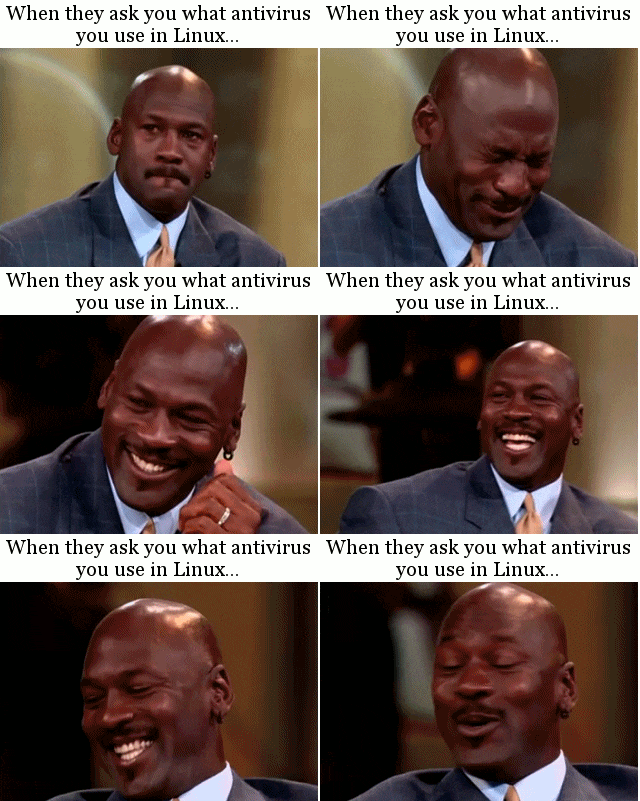
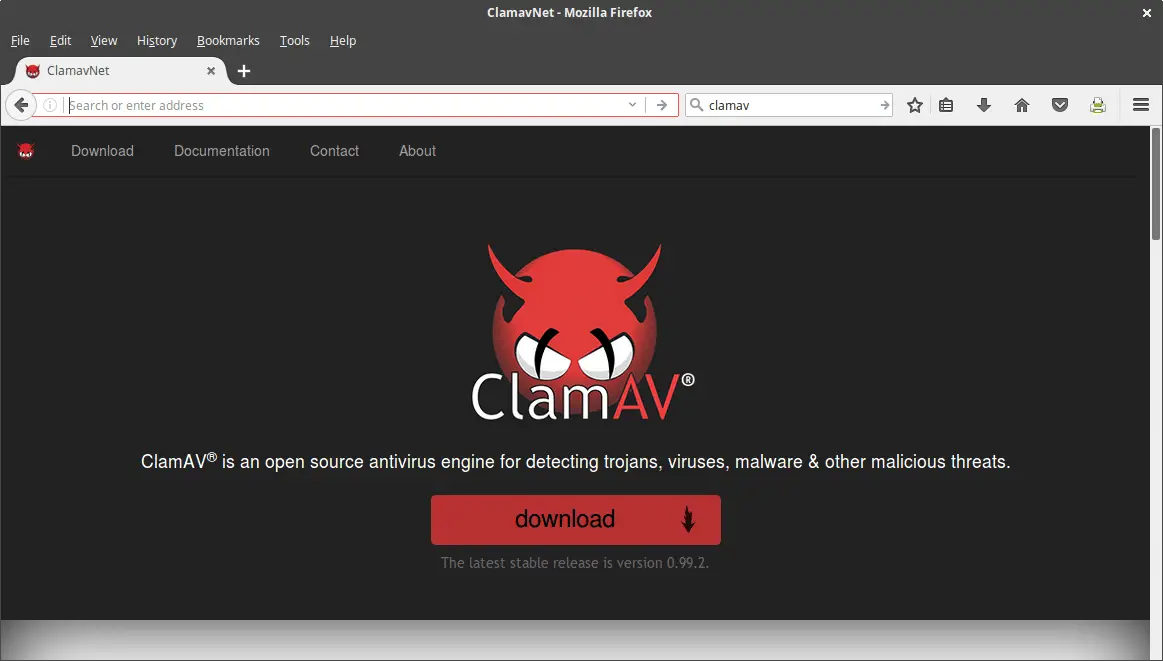
Well, when someone who’s never tried Linux asks you “What anti-virus you use?” it usually becomes a laughing stock because we all know Linux is a secure or the-most-secure-OS-from vulnerability when compared to Windows but still, that doesn’t mean hackers won’t try to infect your system. That my friend you have ClamAV to keep your OS clean and free from threat. Another good thing; there is no GUI front-end to it so you know what to do.
Also Read – Linux Security – How Can Your Linux System Be Hacked Using Malware, Trojan, etc.
4. Referring to man
There comes a time when you don’t know what a particular command does. And our usual habit is to google it or duck for the information and sometimes that’s a very bad practice because almost all the authors and contributors distribute their packaged program with documentation. A good general thumb rule is to refer a command to man first, try to get a solution then otherwise proceed to the Internet if you still think you’ve not to grab anything. A simple example to refer to clamscan command is –
man clamscan

5. Learn BASH
Bourne-Again Shell is a scripting language for Linux used to automate tasks. Even if you aren’t a programmer, learning it can be painful at first but the outcome will surprise you or otherwise you could do some fancy artwork with your creativity afterward and believe me they tend to inspire kids and amaze programmers [I was once that kid too 🙂 ].
Conclusion
Well that’s about it and maybe it’s not fair for me to focus entirely on CLI so here is another tip to spice up your GUI-fancy skills. Explore and dedicate your time to it till you’ve grasp enough of its features. Want to know the secret ingredient to exploring the program? A word: CURIOSITY. Dedication follows then.